

Makerspaces and Design Technology labs for UAE schools
EduStream plans and implements school makerspaces and Design Technology labs across the UAE. These environments help schools create structured spaces where students can design, prototype, build and test ideas through practical, hands-on learning. We work with schools as an implementation partner, not only an equipment supplier: a useful making environment can combine appropriate space, the right tools, curriculum, teacher readiness, safe operating practices and ongoing support.
What a project includes depends on the school’s requirements and the agreed project scope. Some schools are planning a new space; others want to make better use of one they already have. The starting point is what the school wants students to be able to make and learn.
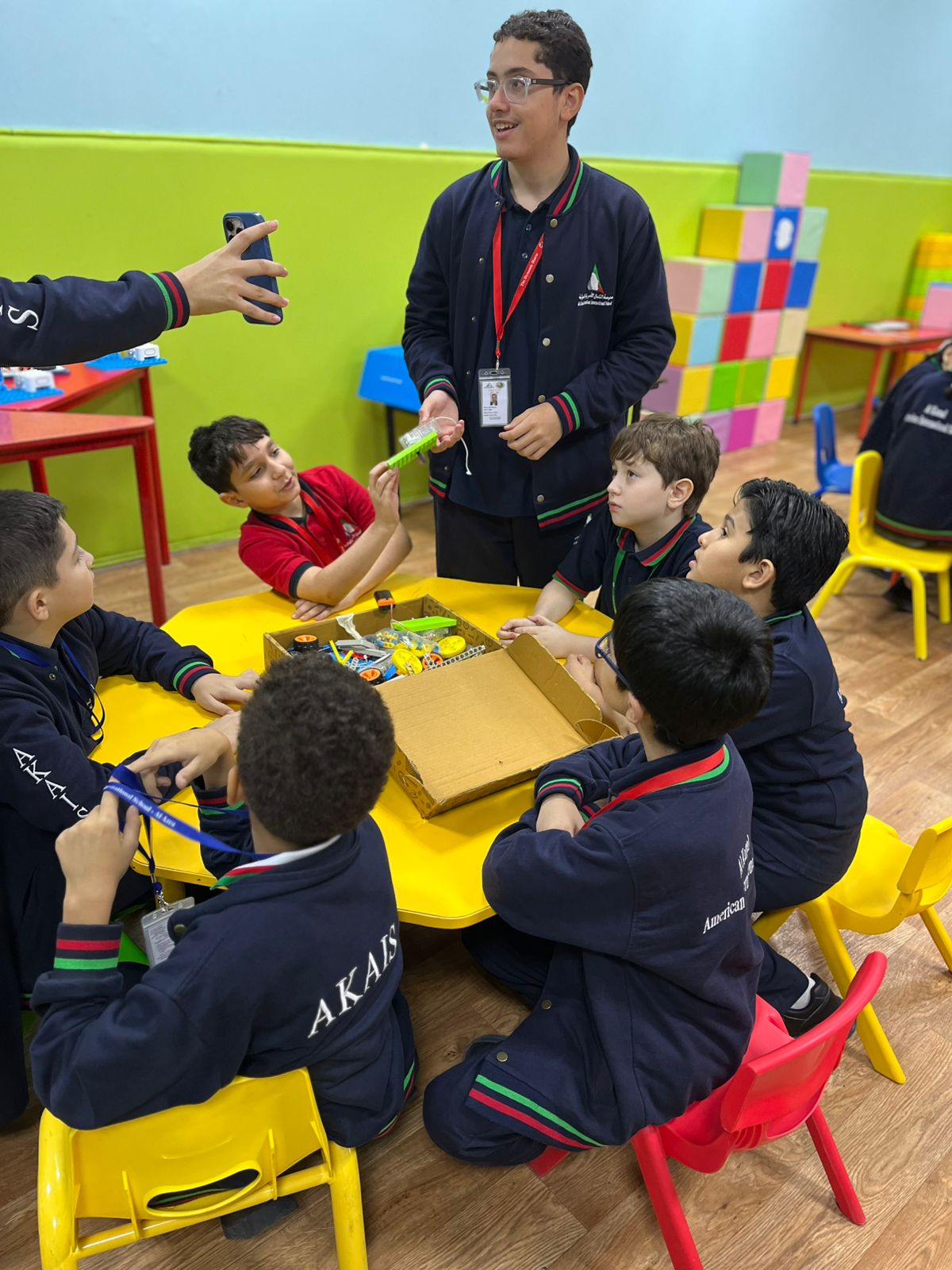
Makerspace, Design Technology lab, STEAM lab or AI and robotics lab?
These environments overlap, but each is designed to support different educational objectives. The right choice depends on what a school wants students to do. As a general guide:
- A school makerspace is an open, flexible space for making, prototyping and hands-on building across subjects — often student-led and project-based.
- A Design Technology lab is a more structured environment for design and technology work, where fabrication tools support a defined design-and-make process.
- A STEAM lab is a broad, cross-disciplinary environment for science, technology, engineering, arts and mathematics learning across several year groups.
- An AI and robotics lab is a dedicated space focused on AI, robotics, coding, electronics and engineering.
In practice these can share equipment and space, and some schools combine them. Where relevant, we help schools decide which environment — or combination — fits their curriculum and objectives.
What a makerspace or Design Technology lab supports
A making environment is built around what students will design and produce, then the tools and space that make it possible. Depending on the age groups and curriculum, it can support:
- designing, prototyping and making across subjects
- Design Technology and the design-and-make process
- fabrication and hands-on construction
- electronics and physical computing, where relevant to the curriculum
- project-based and collaborative work
Not every tool or process suits every age group, so the environment and activities are planned around the year groups the school is teaching.
What an implementation can include
Every project is scoped around the school’s requirements, so no two are identical. Depending on what a school already has and what it wants to achieve, an implementation can include:
- a needs assessment with the school’s leadership and teaching teams
- makerspace or Design Technology lab planning
- lab and resource planning
- Design Technology equipment
- prototyping and fabrication tools
- storage, work areas and supporting infrastructure
- curriculum and lesson resources
- safe-use training and staff development
- curriculum integration
- technical handover and ongoing support
These components work best together — tools without curriculum and teacher readiness tend to be under-used, so we plan them as one implementation, subject to the agreed project scope.
Prototyping and fabrication
The heart of a makerspace is turning ideas into physical objects. Depending on the project and the age groups involved, fabrication provision can include prototyping and fabrication tools, 3D printing, and laser cutting and fabrication, alongside the work areas and materials handling that make them usable safely in a school setting.
Equipment is chosen to fit the school’s curriculum and space rather than the other way round, and is selected with the relevant age groups and supervision arrangements in mind.
Electronics and physical computing, where relevant
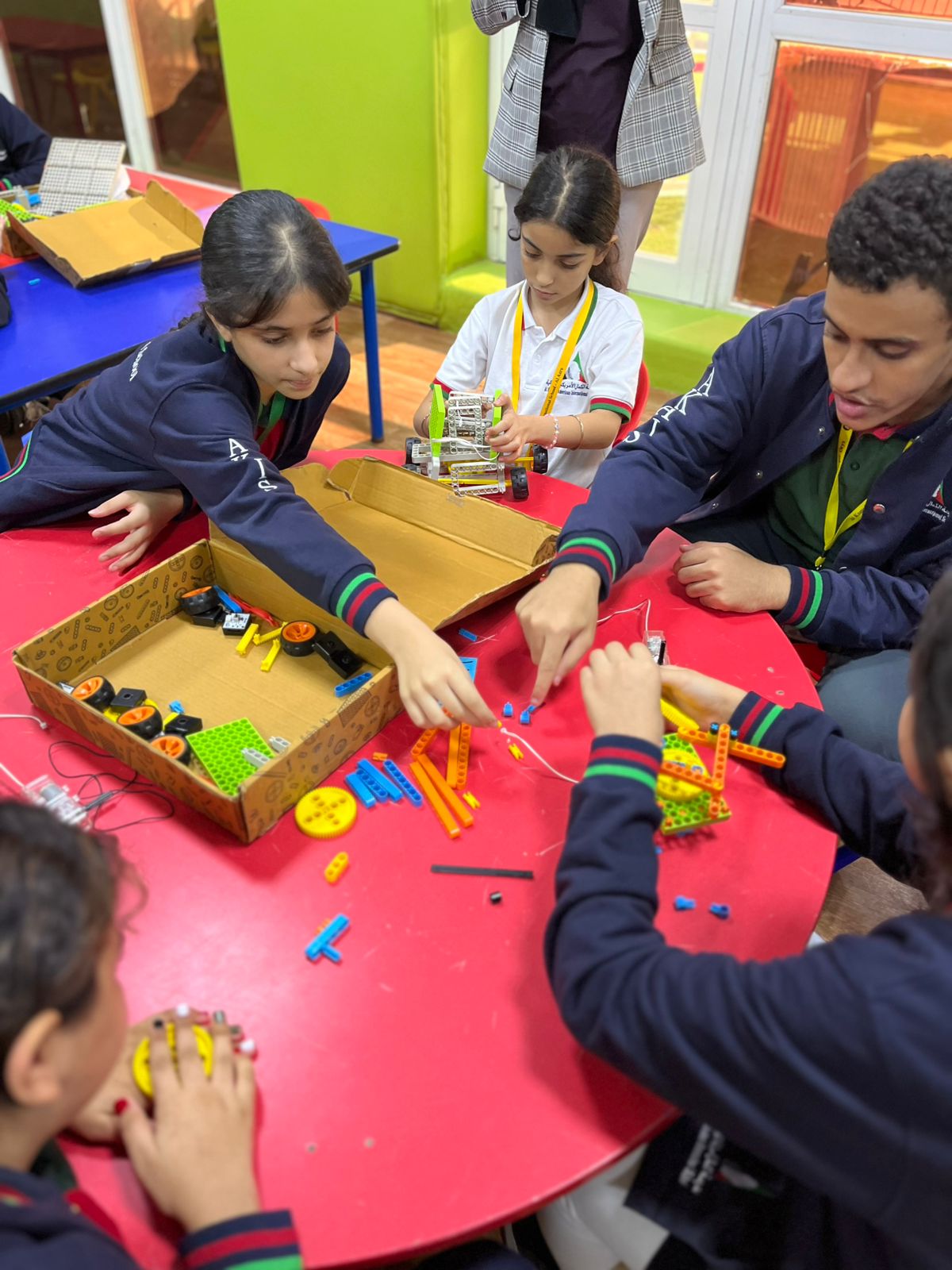
Where relevant to the curriculum, students may use electronics and physical computing activities — including sensors, circuits and programmable components — to extend design projects, connecting design and fabrication with coding and problem-solving. Whether this is included, and for which year groups, depends on the school’s curriculum and objectives.
For schools that want a dedicated focus on coding, robotics and AI rather than making and fabrication, an AI and robotics lab may be the better fit.
Curriculum integration
A making environment works best when it is part of the curriculum rather than a standalone room. Curriculum support can include curriculum integration, lesson resources, teacher guides, learner resources, and access to structured online learning — aligned with the equipment in the space, the relevant age groups, and the school’s own educational objectives.
See curriculum and school programmesSee LMS and digital learning
Teacher readiness and safe-use training
A new making environment works best when teachers are confident using it safely. Support here can include safe-use training and staff development, covering how the equipment is operated and supervised and how making activities are run day to day. It can begin with initial onboarding and continue as professional development as the school’s programmes develop, so the environment becomes part of everyday teaching rather than a specialist space only a few staff can use.
Space planning, storage and workflow
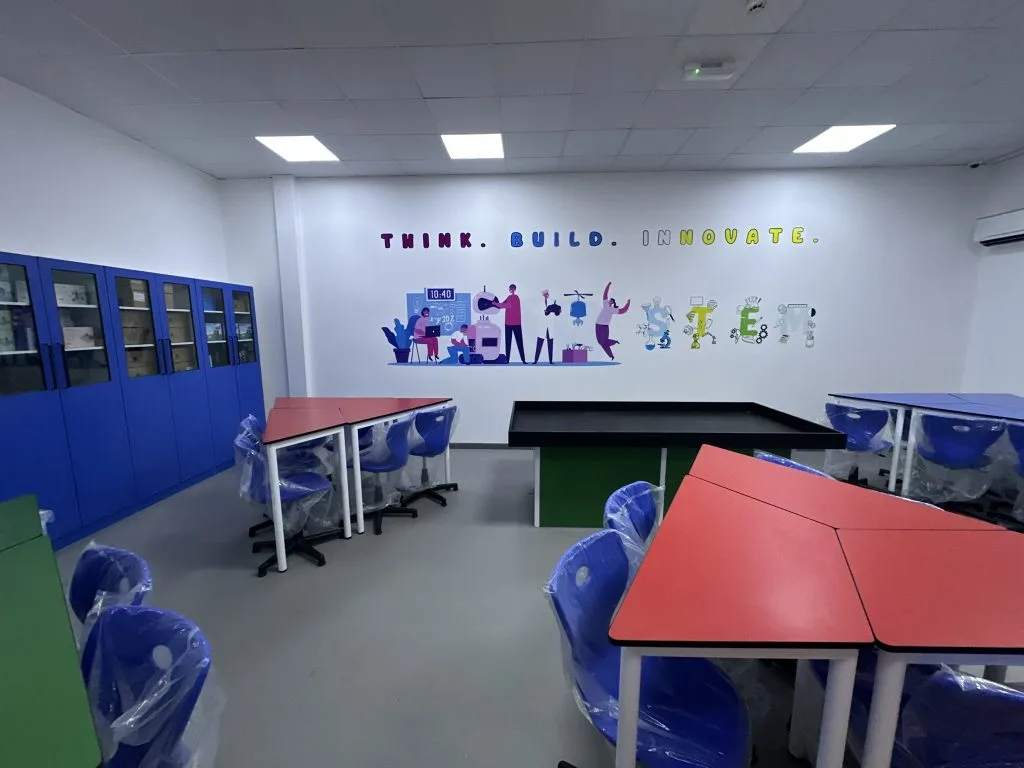
A making environment has to work as a physical space, not just a set of tools. Depending on the project, planning can include the layout of work areas, storage for materials and equipment, and supporting infrastructure — arranged so that making, fabrication and clean-up flow sensibly and safely for the age groups using the space. This is planned around the school’s building, timetable and requirements.
The layout should support both safe operation and effective teaching throughout the school day.
Implementation and support
Implementation continues beyond installation. A making environment is only useful once teachers are running it and students are building in it, so schools need a partner who is still there afterwards. Depending on the project, support can include consultation and demonstrations, installation and configuration, teacher training, technical documentation, troubleshooting, warranty coordination, technical handover, and after-sales service, aligned with the school’s requirements and the agreed project scope.
Our UAE-based team works with schools throughout planning, implementation and ongoing support, aligned with procurement processes and the academic calendar.
How we start a makerspace project
Most schools want to know what happens after the first conversation. The first stages are straightforward:
Discovery and school-needs assessment
Understanding the year groups, curriculum, existing resources, space and outcomes the school is aiming for.
Educational and technical recommendation
What suits the school’s context, age bands and curriculum.
Proposal and solution design
The scope, layout, equipment and resources set out clearly.
From there, implementation, installation, teacher training, curriculum support and ongoing support follow. Whether you are planning a new makerspace or Design Technology lab, or improving a space that is not being used, the first step is a conversation about your school’s requirements.
Plan your school’s makerspace
Whether you are fitting out a new space, reviewing one that is under-used, or working out what your teachers need to run it, the first step is a conversation about your school’s requirements.
