

A Design Technology lab for structured design and make learning.
A Design Technology lab is a structured environment for design and technology work, where prototyping and fabrication tools support a defined design-and-make process. EduStream can support schools in planning and implementing that environment — the space and equipment, the design process students follow, curriculum resources, teacher preparation and ongoing support — according to the school’s requirements and the agreed project scope.
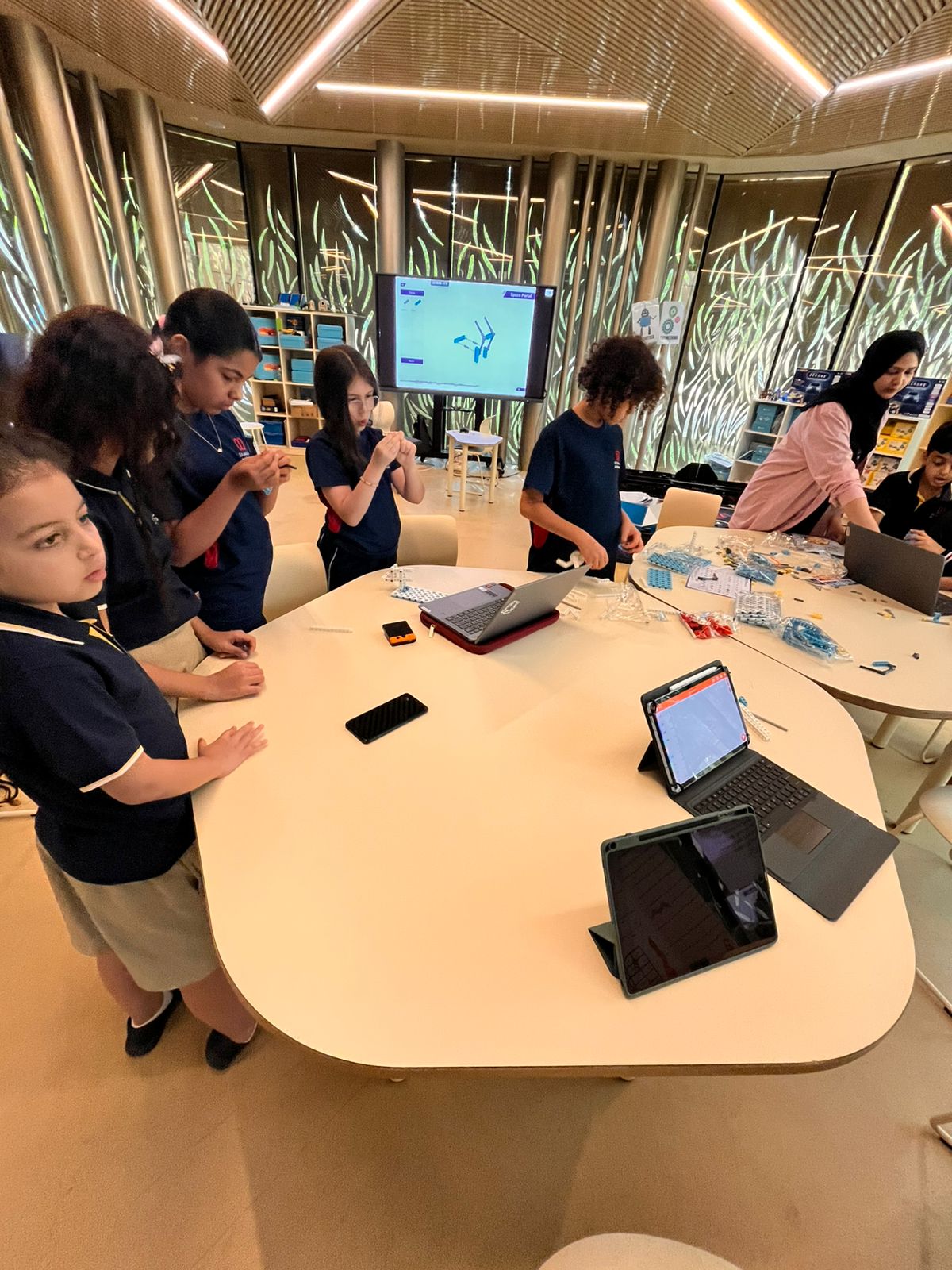
Design Technology lab, makerspace or STEAM lab?
These environments overlap and some schools combine them. The right choice depends on what a school wants students to do.
Design Technology lab
A structured environment for design and technology work, where prototyping and fabrication tools support a defined design-and-make process.
School makerspace
An open, flexible space for making, prototyping and hands-on building across subjects, often student-led and project-based.
STEAM lab
A broad, cross-disciplinary environment for science, technology, engineering, arts and mathematics learning across several year groups.
An AI and robotics lab is a separate, dedicated space focused on AI, robotics, coding, electronics and engineering. In practice these spaces can share equipment, and some schools combine them.
Design thinking and problem solving.
A Design Technology lab is built around a process. Students work through a defined sequence rather than producing one-off objects.
Understand
Investigating a real need or problem, the people affected and the constraints that apply.
Define
Turning that investigation into a clear design brief and specification.
Ideate
Generating and comparing a range of possible solutions before committing to one.
Prototype
Making a working model using the tools available in the lab.
Test and iterate
Evaluating against the brief, then refining the design and repeating the cycle.
The number of cycles, the level of documentation and the assessment approach are agreed with the school and matched to the age group.
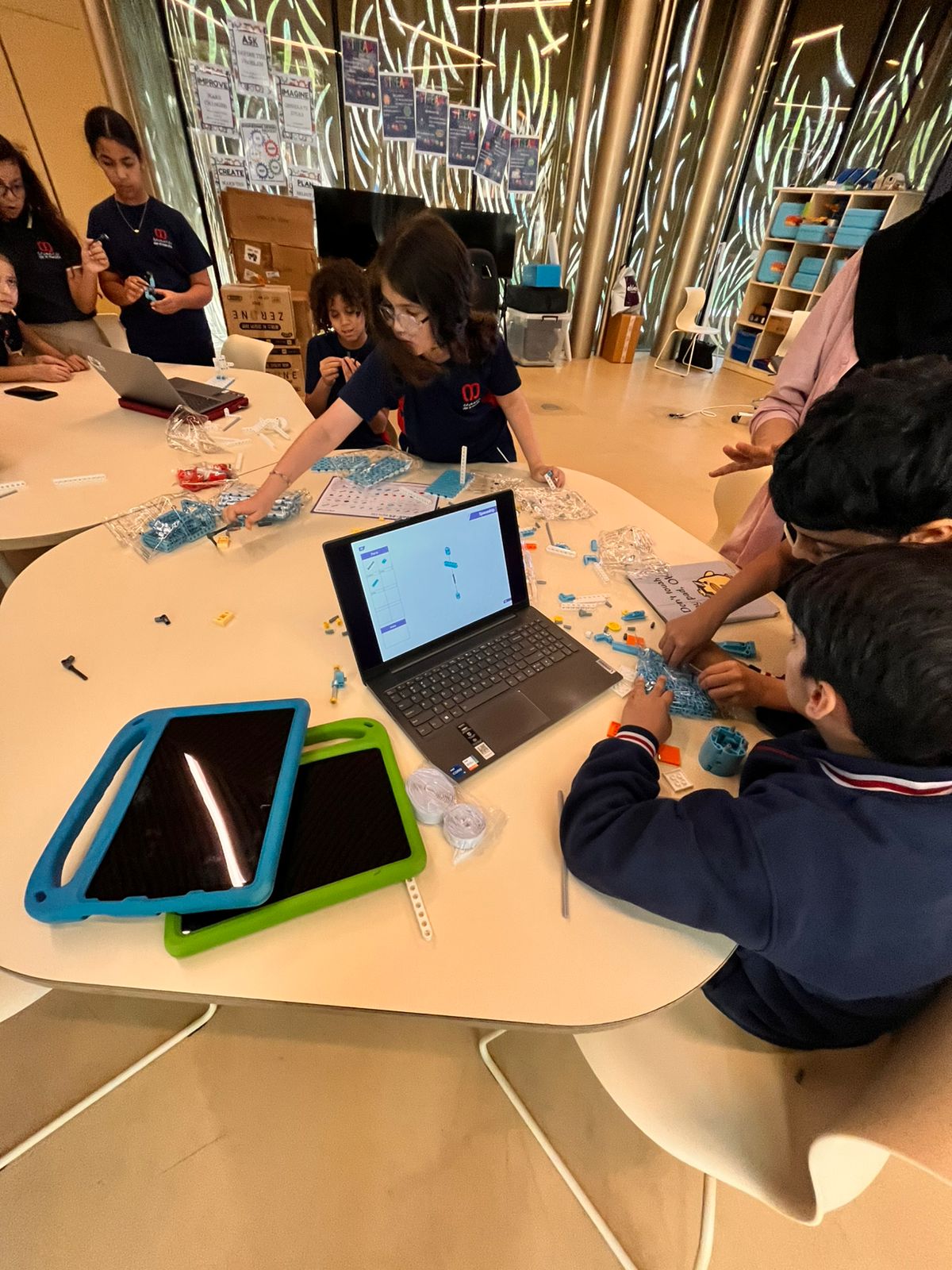
Project-based learning in the lab.
The lab exists to support extended, curriculum-linked projects rather than isolated activities.
Scope and sequence
A planned progression of design projects across year groups.
Lesson plans and teacher guides
Session-by-session material for the teacher delivering the project.
Learner resources
Student-facing material for research, planning and making.
Assessment and rubrics
Criteria for assessing design decisions, making and evaluation, not only the finished object.
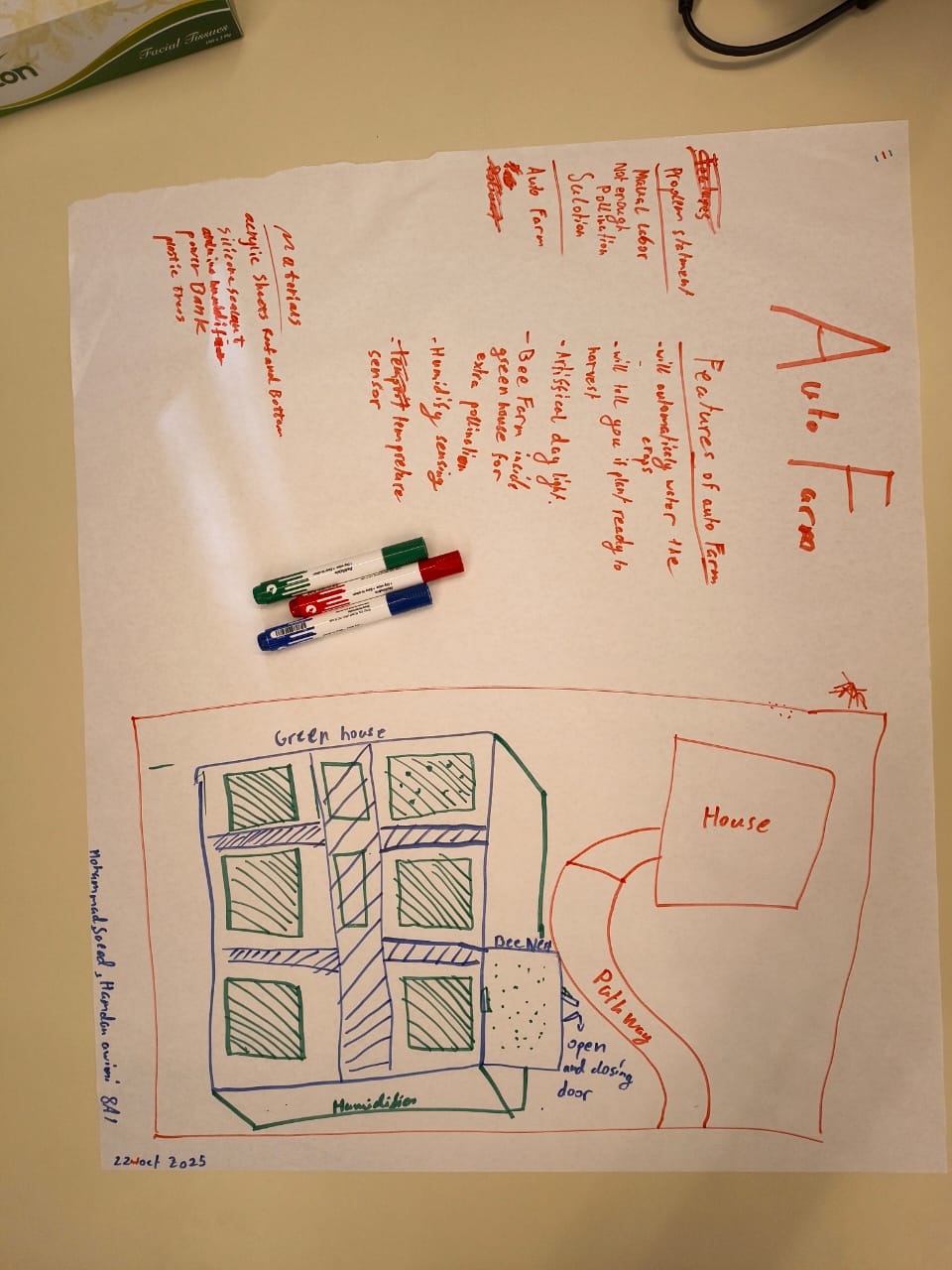
Engineering Notebook outputs
A record of the design process, the iterations and the reasoning behind each decision.
Practical missions
Short, structured tasks that build specific design and making skills.
Tools, equipment and learning resources.
Equipment is selected against the school’s curriculum, age range, available space and agreed scope. No fixed package is published here.
Design and technology equipment
Core equipment for design and technology teaching.
Prototyping and fabrication tools
Hand and bench tools for making and finishing prototypes.
3D printing
Additive making for repeated prototype iterations.
Laser cutting and fabrication
Cutting and shaping sheet materials and enclosures.
Electronics and physical computing
Circuits, sensors, actuators and microcontrollers.
Design Technology classroom resources
Materials, consumables and classroom teaching resources.
Displays and supporting technology
Classroom displays and supporting classroom technology.
Storage, work areas and infrastructure
Benching, storage and the supporting infrastructure the space needs.
Safe-use training for tools and equipment can be included in the project scope. Specification, quantities and options are confirmed during planning.
Connecting the lab to the curriculum.
A Design Technology lab is most useful when the work inside it is timetabled, assessed and connected to subjects the school already teaches.
Curriculum-linked projects
Design projects mapped to existing subject content rather than delivered as a separate add-on.
Year-long programmes
A structured route through the year where a school wants continuity rather than one-off sessions.
LMS and digital resources
Structured online courses, learning pathways, videos, slide decks and worksheets where these are included.
Assessment alignment
Rubrics and outputs that fit the school’s existing reporting and assessment practice.
Enrichment and ECA routes
Clubs, enrichment sessions and competition preparation using the same lab and the same process.
Showcases
Exhibitions or showcase events where a school wants students to present their design work.
Preparing the teachers who will run the lab.
A Design Technology lab depends on teachers who are confident with both the process and the equipment.
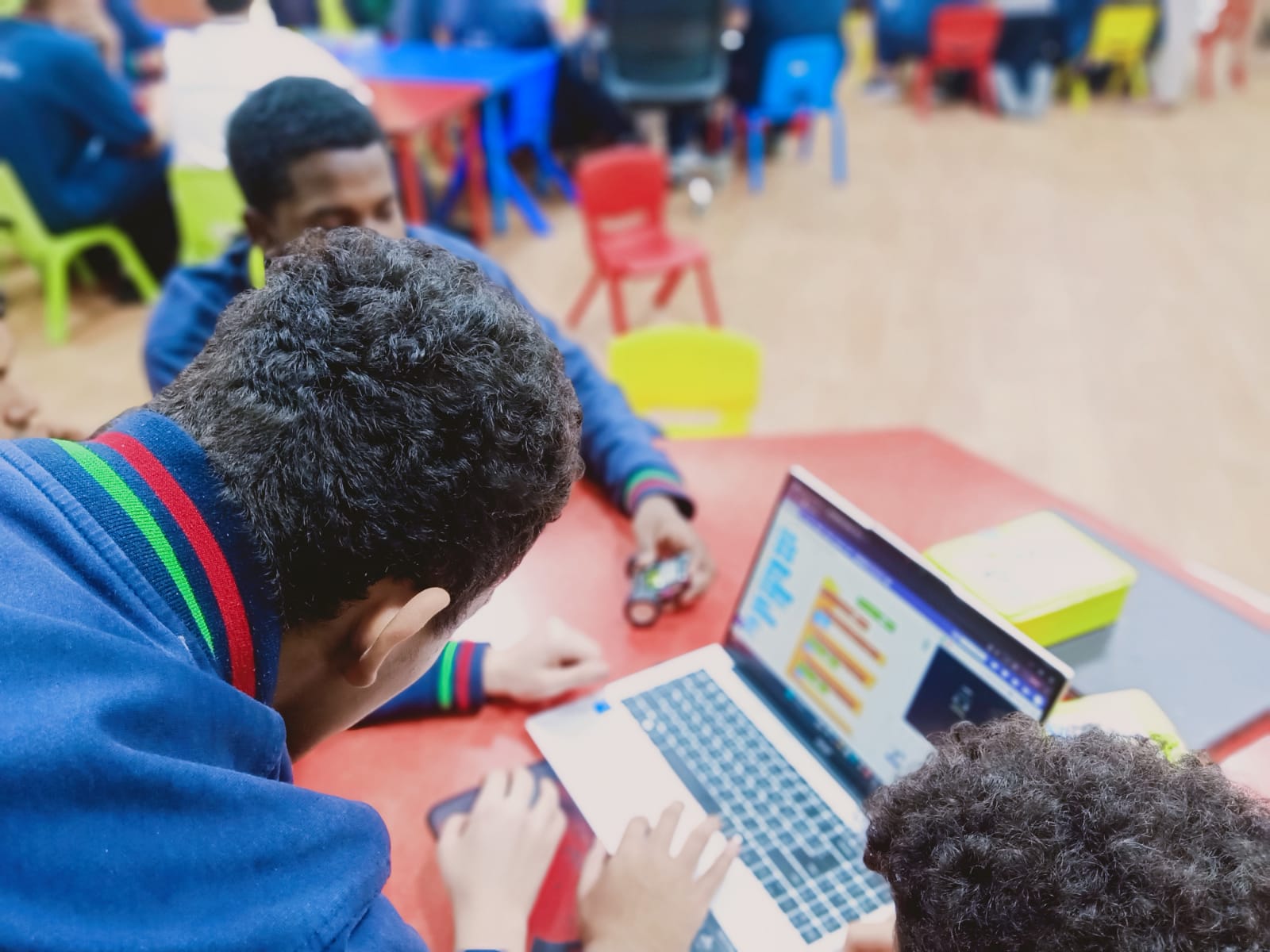
Equipment and platform training
Practical training on the tools, machines and software the school has selected, including safe use.
Process and pedagogy
Support with design thinking, project-based learning, and how to run and assess an extended design project.
Continuing development
Sustained professional development where a school wants teacher capability built over time rather than in a single session.
One-off technical training and sustained professional development are different engagements. Which of them applies is agreed as part of the project scope.
Implementation and ongoing support.
A lab project runs from the first conversation through to handover and the support that follows it.
Implementation
Needs assessment, concept and resource planning, supply of equipment and resources, installation and configuration, teacher preparation and technical handover.
Ongoing support
Consultation and demonstrations, technical documentation, troubleshooting, warranty coordination, spare-parts support where applicable, after-sales service and curriculum support.
Service levels, warranty terms and spare-parts availability are set out in the project agreement for each school.
Explore connected areas
Solutions overview Innovation Lab Transformation Teacher Training & Development LMS & Digital Learning
Plan a Design Technology lab for your school.
Tell us the age groups involved, the space you have and what you want students to be able to design and make. EduStream can then set out a suitable approach, scope and next step.
